
Creative Commons is a nonprofit organization that allows for the sharing and reuse of creative works around the world. Creative Commons licensed materials are for use under generous, standardized terms. Using Creative Commons licensed materials will be super beneficial for teachers as they do not need to spend money to create or allow students to create learning materials. As a teacher, I can use different CC-licensed media to embellish how I teach. It could be through the creation of a video or the use of images.
The CC licenses are clear on how users can use their work. For example, the audio track I used in the ballerina video cannot be used on Youtube. This is because Youtube tries to monetize all content and when publishing on Youtube, the video must be under CC-BY (or the Youtube licence), which then renders the use of music under other CC-licenses useless/illegal. I find this very interesting and an important note for me to be very careful about how I publish media and that I need to read very carefully. I made a conscious choice to post my ballerina video directly through my WordPress blog.

A digital footprint is the trail of data an Internet user leaves. It is also called a digital shadow or an electronic footprint. This trail can include websites, emails sent, and information submitted online, such as in forms. This digital footprint occurs for all users even if they are not actively aware they are creating one. It is important to be aware that these footprints are relatively permanent. For children, this is an important concept for parents and teachers to convey. I cannot help but think about our younger generation’s internet use and how at times it can be quite impulsive and have long-term effects they do not understand. Some of this is from my own experience… I wish I had been taught about digital footprints much earlier in my life, so I could be even more careful. If you want to read more about digital footprints and how to protect yourself, this article is super helpful.
For our students, I think it is incredibly important to establish the concept of digital footprints early on when they are introduced to the Internet, especially social media. A possible idea would be to send a newsletter home for students and their families. Another important way to help students manage their digital footprint is to hold discussions about digital footprints, online privacy, safety, bullying and consent.
This idea of digital footprints and internet safety and security became far too real for me this week as my Instagram account was hacked by a Bitcoin scammer in Nigeria. When I Googled myself, my Instagram was the second hit, which really frustrated me as it was held hostage at the time! I am back in my account and have made sure it is very secure. It definitely opened my eyes to how easy it is to get hacked and I will definitely share this knowledge with my students. Otherwise, Googling myself was fairly boring. It mostly showed me that I need to actually log in to my LinkedIn account and actually add useful information.
After the Zoom session with Jesse Miller, I feel that I will definitely change how I view social media. I even had a moment recently where I thought to myself, “I need to post in a smart way.” I ultimately changed the language in my post and then later my partner suggested I use a certain word, to which I responded with “I am trying to have a positive, clean presentation on my social media.” It certainly is important as a teacher with students on social media looking for their teachers. I am certainly keeping my Facebook and Instagram accounts private from now on.
During this week’s class, we worked on video editing techniques, such as slow-motion, time-lapse, and green screen. I created a slow-motion video using a video by Anastasia Shuraeva from Pexels and music by Walt Thisney.
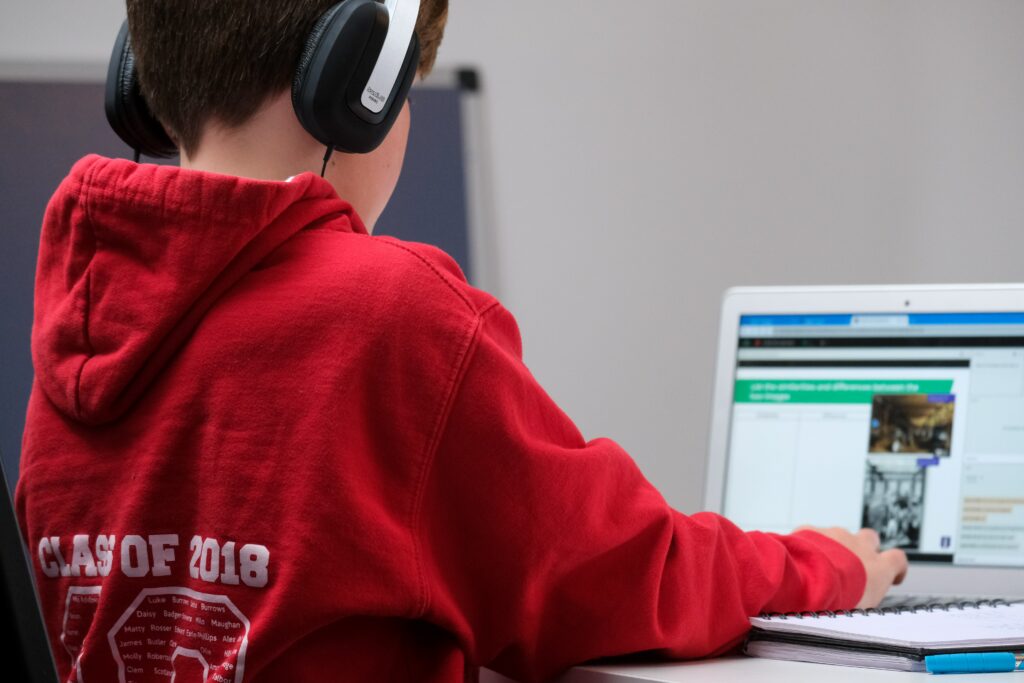
Video creation is a unique learning resource and activity that can help learners become engaged in their learning. It definitely has a time and a place in learning. It is best introduced to students in grades four and up in my opinion as they will have basic computer skills. A brilliant idea for an ELA activity is for students to create videos based on literature circle books or to create plays or reader’s theatre in video formats. Video creation can be used in any subject or across multiple subjects. It is always important to consider curricular competencies and learning objectives. As well, it is important for students to have provided consent for filming. For my faithful readers, what do you think of video creation in the classroom and its possible benefits and drawbacks?
Leave a Reply
You must be logged in to post a comment.